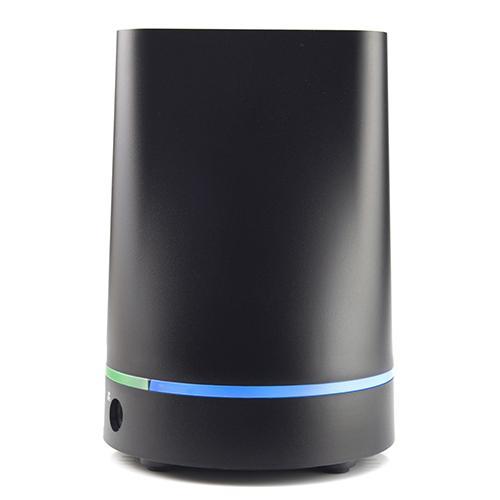
"Transporter is a private cloud storage device for syncing, sharing, accessing, and protecting your digital life. No cloud, no fees, no privacy concerns. Your files are only stored on your Transporters and computers and mobile devices that you authorize.
Access your digital life from any computer or mobile device, back it up, collaborate with colleagues, share with family and friends and sync across multiple devices. Transporter let’s you do all of that with no monthly fees and it’s completely private."
http://www.pcm.com/p/Connected-Data-Hard-Drives/product~dpno~9507449~pdp.ibceahf?src=search#activeTab=pdpOverview

With Transporter, you can have all your files in one place and easily sync the ones you want on each device. No more running out of space on your phone. No need to constantly shuffle files around to avoid paying additional fees. Transporter makes these issues a thing of the past."
http://www.filetransporter.com/learn-more/
Access your digital life from any computer or mobile device, back it up, collaborate with colleagues, share with family and friends and sync across multiple devices. Transporter let’s you do all of that with no monthly fees and it’s completely private."
http://www.pcm.com/p/Connected-Data-Hard-Drives/product~dpno~9507449~pdp.ibceahf?src=search#activeTab=pdpOverview
"Sync Files Between All Your Digital Devices
The average home today has multiple computers and mobile devices. Syncing content across all these devices is a huge hassle. The “all or nothing” cloud sync services don’t work well with limited capacity laptops and mobile devices, not to mention the monthly fees you have to pay to store more than a few photos or documents.With Transporter, you can have all your files in one place and easily sync the ones you want on each device. No more running out of space on your phone. No need to constantly shuffle files around to avoid paying additional fees. Transporter makes these issues a thing of the past."
http://www.filetransporter.com/learn-more/

